Basic Barplot with plotnine
This page ports a basic barplot example to plotnine. The data contain one numeric value for each category.
The source example is the Basic Barplot tutorial from the Python Graph Gallery, which uses matplotlib directly.
Libraries and data
The data are stored in pandas. The plot uses the core plotnine bar geometry.
[1]:
import pandas as pd
from plotnine import (
    ggplot,
    aes,
    geom_col,
    labs,
    theme_minimal,
)

# Create the dataset (same data as the original matplotlib example)
df = pd.DataFrame({
    "category": ["A", "B", "C", "D", "E"],
    "height": [3, 12, 5, 18, 45],
})
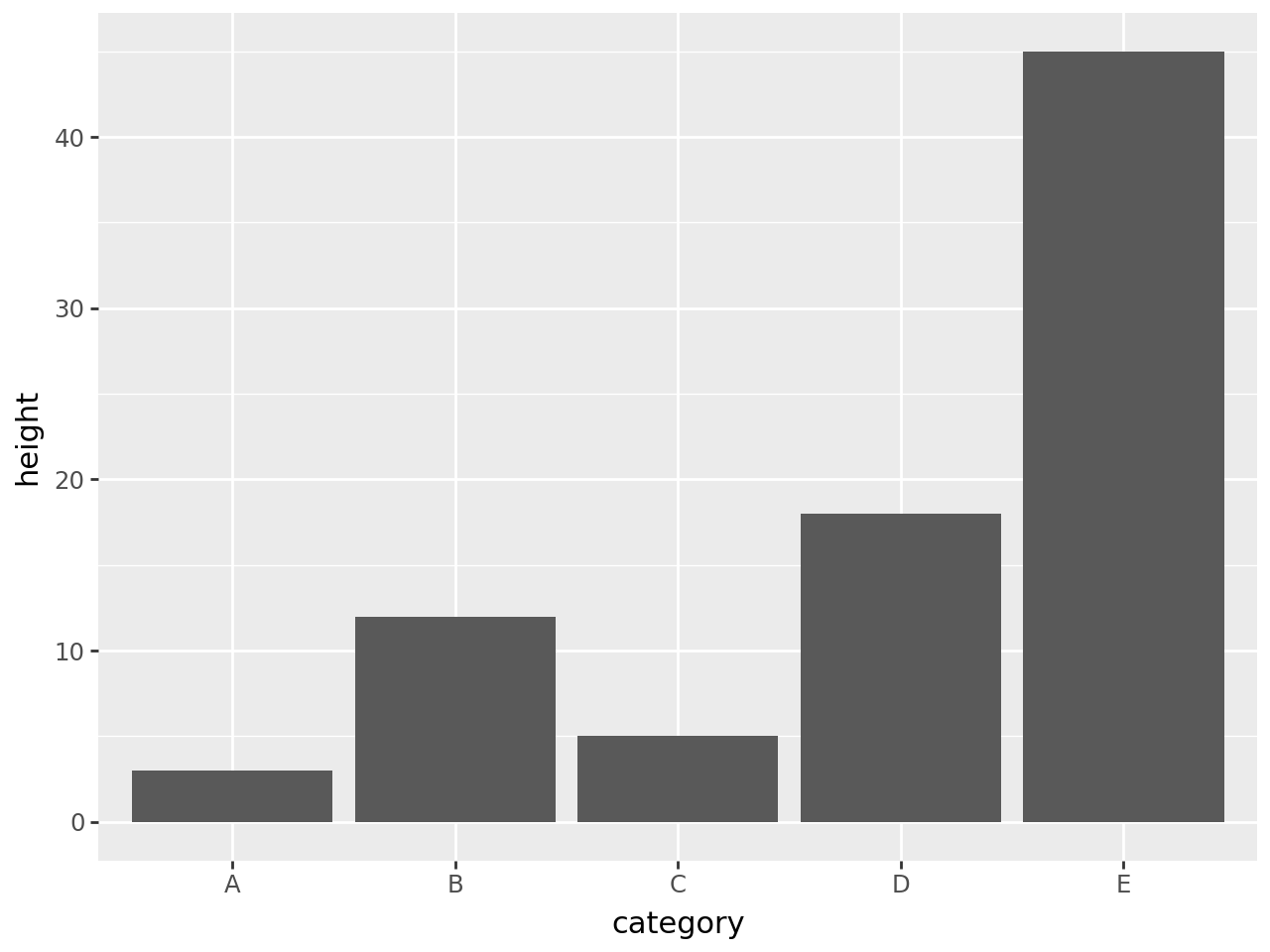
Basic barplot
A bar plot with precomputed heights uses two pieces:
``ggplot(df, aes(…))`` binds the data and maps columns to aesthetics.
``geom_col()`` draws bars whose heights come from the data. Use
geom_bar()when plotnine should count rows instead.
[2]:
(
    ggplot(df, aes(x="category", y="height"))
    + geom_col()
)
[2]:
Labels and theme
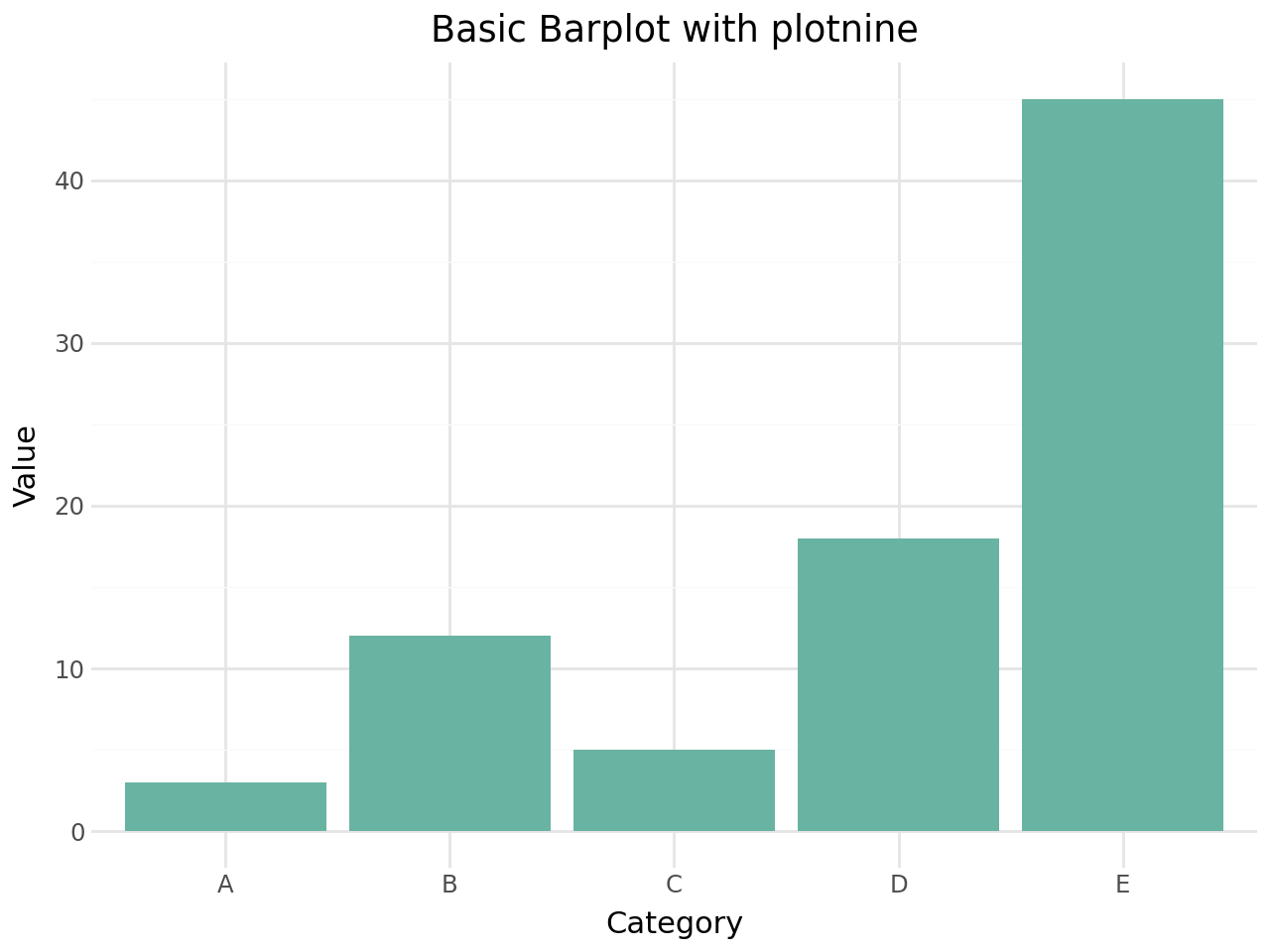
The same plot can add a fixed fill colour, axis labels, a title, and a theme.
[3]:
(
    ggplot(df, aes(x="category", y="height"))
    + geom_col(fill="#69b3a2")
    + labs(
        title="Basic Barplot with plotnine",
        x="Category",
        y="Value",
    )
    + theme_minimal()
)
[3]:
Related features
Common extensions are:
Map
fillto a column for grouped or stacked bars.Use
coord_flip()for horizontal bars.Add uncertainty with
geom_errorbar().Split panels with
facet_wrap()orfacet_grid().
For plotnine-extra-specific APIs, continue with the facets and guides vignette, or see the plotnine-extra API reference. For core grammar-of-graphics concepts, see the plotnine documentation.